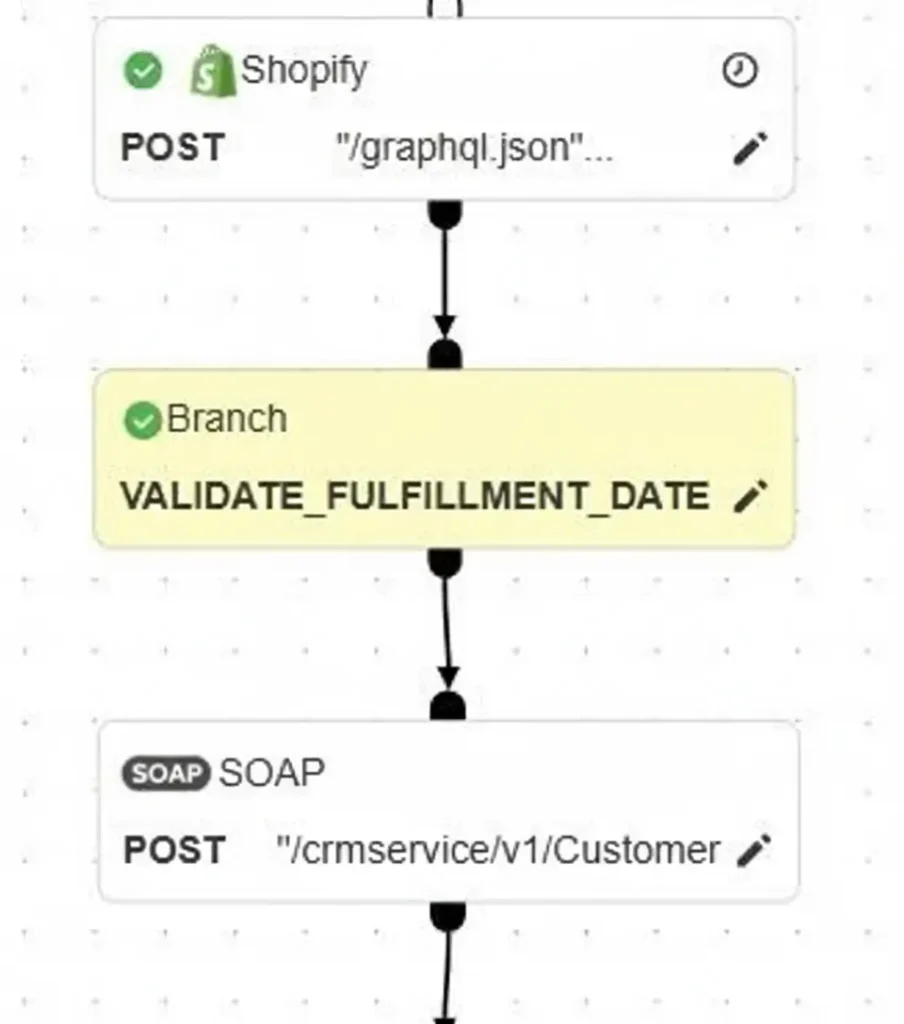


SOAP APIs
In Burq, go to Apps to view the list of connectors you have licensed. Burq provides an HTTP(S) connector that allows you to integrate with SOAP web services over secure HTTP or HTTPS. This section explains how to set up an HTTP(S) SOAP connection and use it inside a workflow.

Create a New HTTP(S) SOAP Connection
- Navigate to Apps → HTTPs from the Burq dashboard.
- Click Add instance and provide a name.
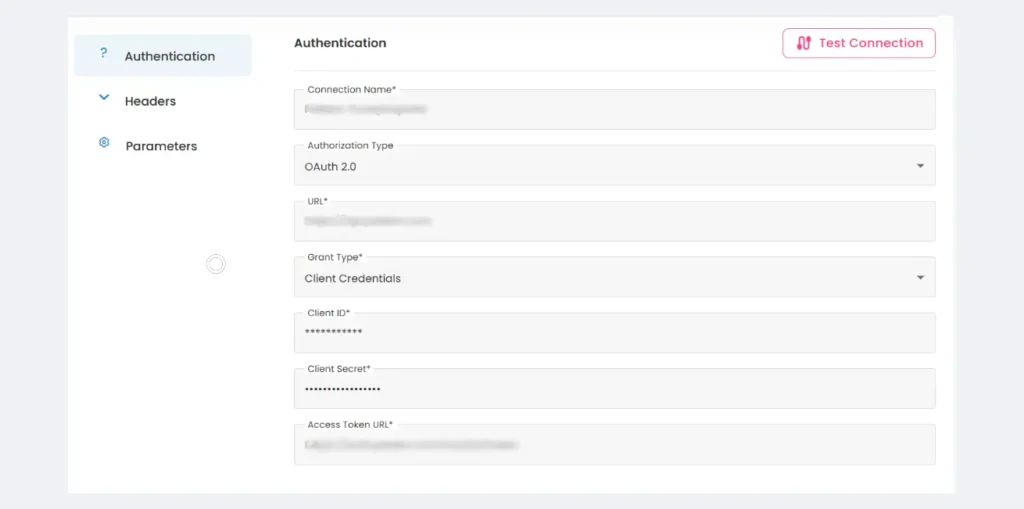
- Configure the following fields (click Edit beside your instance):
- Connection Name→A user-friendly name for your connection.
- Authentication Type→ Choose the authentication required by the SOAP API (e.g., Basic Auth, WS-Security UsernameToken, or None).
- URL → Base URL of the API
- Grant Type → Select Client Credentials.
- Client ID → Provided by the API provider.
- Client Secret → Provided by the API provider.
- Access Token URL → The endpoint where Burq requests an access token.
Use the Connection in a Dataflow
Once your HTTP(S) SOAP connection is created, you can use it within workflow orchestration:
- Go to Workspace → Dataflow → Orchestration.
- Drag an HTTP(S) step into your workflow.
- Select the connection you created.
- Configure the request: