Key Takeaways
- ERP Integration Connects the Systems You Already Run: Dynamics 365 ERP integration links Microsoft Dynamics 365 Business Central or Finance and Operations with your CRM, eCommerce store, and warehouse tools, so data moves between them without manual re-entry.
- The Payoff Is Measurable: A March 2026 Forrester study put the return on a Business Central investment at 209% over three years, with most of that value coming from connected workflows and reduced manual finance work.
- Real-Time Visibility Drives Better Decisions: When your sales, finance, and inventory systems read from one record, leaders see accurate numbers the moment they need them instead of waiting for a month-end reconciliation.
- Start With Your Highest-Pain Connection: You do not have to integrate everything at once. Pick the handoff that creates the most duplicate work and connect that first.
- Take Action: Map your current data flows, find where information gets re-keyed, and talk to a partner who has integrated Dynamics 365 in your industry.
Introduction
How many browser tabs did your finance team have open this morning? If the honest answer is “too many,” you already understand the problem at hand. Every business runs more than one system. There is an ERP for finance, a CRM for sales, an online store taking orders, and a warehouse tool tracking stock. On their own, each one does its job. The trouble starts the moment they need to talk to each other.
When they cannot, your team becomes the integration. People copy a sales order from the store into the ERP by hand. They re-key a new customer into the CRM. They reconcile two spreadsheets that should have agreed in the first place. A 2024 survey commissioned by Salesforce found that small business owners lose about 1.5 hours every day to wasted effort like this, and the average owner juggles four separate digital tools just to get through the day. That is not a software problem. It is a connection problem.
Dynamics 365 ERP integration solves that connection problem, and your business is the one that comes out ahead. Your ERP becomes the system of record, and a well-built integration connects everything else to it. Below are seven benefits of ERP integration that play out in real Business Central and Finance and Operations projects, with examples of where the value actually shows up.
What Is ERP Integration?
ERP integration is the process of connecting your ERP system with other business applications so they share data automatically. Instead of each tool keeping its own copy of a customer, an order, or an invoice, the integration creates one flow of information that every system reads from and writes to. A change made in one place updates everywhere it matters.
With Microsoft Dynamics 365, this connection runs through Microsoft Dataverse, the Power Platform, and API connectors. That matters because it means you are not bolting on fragile point-to-point scripts that break with every update. To see how the wider suite fits together before connecting anything to it, the overview of Microsoft Dynamics 365 consulting services walks through how Finance, Supply Chain, Sales, and Customer Insights work as one ecosystem. Once that foundation is clear, the benefits below stop being abstract and start mapping to real handoffs in your business.
1. One Source of Truth Instead of Data Silos
This is the benefit everything else depends on. When your systems are integrated, there is a single, agreed version of every record. Your sales team, finance team, and operations team all look at the same customer, the same order, and the same balance.
Picture the alternative. Sales closes a deal in the CRM. Finance never sees the updated credit terms because they live in a different system. The warehouse ships against an old address. Each team was right according to their own screen, and the customer still got the wrong outcome. This is what data silos cost in practice, and the problem gets worse as you add tools. Gartner estimates that poor data quality costs the average organization $12.9 million annually, and disconnected systems are one of the most common reasons data quality breaks down in the first place.
With Business Central, this benefit shows up fast because the ERP already connects natively to Microsoft 365, Power BI, and the Power Platform. A quote built in Outlook flows into Business Central, becomes an order, and posts to the general ledger without anyone copying a number across. For a clearer picture of which records each module owns, see this breakdown of core Business Central modules. It shows where finance, inventory, sales, and projects connect and where a single source of truth gets created.
2. Real-Time Visibility for Faster Decisions
Finance leaders feel this one right away. Once systems are connected, a number you trust is available the moment you need it, not three days after the period closes.
Running a business on disconnected systems is like driving while only looking in the rear-view mirror. You can see exactly where you have been, but you are making turns based on old information. Integration turns the mirror into a windshield. You see what is happening now.
This is where Dynamics 365 Finance and Operations earns its place for larger, more complex companies. When procurement, manufacturing, inventory, and finance feed into one platform, a Power BI dashboard can show live margin by product, cash position, and supply risk in the same view. A COO can spot that a raw-material delay is about to miss a customer commitment and act on it that morning, not after a weekly status call. The Dynamics 365 Finance and Operations page explains how that single source of truth supports complex, multi-entity reporting for operations that have outgrown entry-level tools.
3. Less Manual Data Entry and Fewer Errors
Every manual re-entry is a chance for a typo, a missed field, or a duplicate record. Remove the re-entry and you remove the error along with it.
Think about a single supplier invoice. Without integration, someone reads the PDF, types the amount into the ERP, codes it to an account, and chases an approval over email. Multiply that by a few thousand invoices a year and you have a full role spent on copy-paste work that adds no value. Worse, a single mistyped digit can throw off a vendor payment and a month of reporting.
In a connected Dynamics 365 environment, accounts payable automation captures the invoice, matches it to the purchase order, and routes it for approval through Power Automate. Staff move from typing to reviewing exceptions. For teams that need to connect Dynamics 365 to external billing or procurement platforms, Burq iPaaS provides pre-built connectors that handle the data mapping and error handling between systems, so failed syncs surface immediately rather than quietly corrupting records downstream.
4. Faster Order-to-Cash Across eCommerce and Finance
For any business selling online, integration between the store and the ERP is where revenue speeds up. A connected order-to-cash flow means an order placed on your site becomes a fulfilled, invoiced, and recorded transaction without a human touching it in between.
Consider a retailer running Shopify on top of Business Central. Without a connector, someone exports orders from Shopify every morning and imports them into the ERP, then exports stock levels back so the store does not oversell. That lag is how you end up selling 50 units of something you have 12 of. The customer experience suffers and so does the team that has to apologize for it.
With the right connector, orders, customers, inventory, and refunds sync both ways in near real time. Stock on the storefront reflects the warehouse, and finance sees the revenue as it happens. For teams evaluating how eCommerce and ERP integration actually works end to end, this ERP eCommerce integration guide covers the mechanics of connecting storefronts to Dynamics 365, including real examples across Shopify, Magento, and Amazon. For a deeper look at native and custom options specifically for Business Central, this piece on Shopify integration with Business Central covers the scenarios where an out-of-the-box connector is enough and where B2B pricing or multi-channel selling calls for something more tailored.
5. Tighter Financial Control and Audit Readiness
Integration is not only about speed. It also tightens control over the numbers, which is what keeps CFOs and auditors comfortable. When every transaction flows through one connected ledger, you get a complete and consistent trail of who did what and when.
Disconnected finance is a compliance risk waiting to surface. If revenue lives in one system, expenses in another, and adjustments in a spreadsheet, building an audit trail becomes a manual investigation every quarter. Each handoff between systems is a place where a number can change without a record of why.
Dynamics 365 Finance is built for exactly this level of control. Multi-currency, multi-entity, tax calculation, and the general ledger sit on one platform, so consolidation and reporting draw from the same validated data.
6. Scalability Without Replacing Your Stack
A properly integrated Dynamics 365 platform grows with your business, so adding a new channel, region, or application does not mean ripping everything out and starting over.
Growth has a habit of breaking fragile setups. The custom script that linked your old CRM to your old ERP was fine until you opened a second warehouse, added a third sales channel, and acquired a company on a different system. Point-to-point connections multiply until no one can map them. That fragility is why so many quick integrations become expensive liabilities down the line.
Because Dynamics 365 connects through Dataverse and standard API connectors, new systems plug into the same hub rather than spawning another one-off link. For mid-market teams that need to add platforms without rebuilding their integration layer from scratch, Burq iPaaS was built specifically for this scenario, with pre-built connectors, a no-code canvas for standard workflows, and a managed services tier for teams that want Folio3’s ERP team behind the maintenance. That is the difference between an integration that ages well and one you rebuild every two years.
7. Measurable ROI You Can Put in a Business Case
The return is real and you can quantify it. ERP integration is one of the few IT investments where the savings show up on a finance team’s own reports.
The numbers back this up. A March 2026 Forrester Total Economic Impact study commissioned by Microsoft found that a composite organization running Business Central realized a 209% ROI over three years, with a net present value of $464,000 and a payback period of under six months. Forrester tied much of that value to finance productivity, consolidating legacy systems, and reporting efficiency, which are direct results of connected data. For larger organizations, a separate set of Forrester ERP studies projected more than 100% ROI for enterprises running Dynamics 365, driven partly by replacing disconnected legacy tools with one cloud ERP.
Look at those drivers. Finance productivity, legacy consolidation, reporting efficiency, fewer manual steps. They are the same six benefits above, now expressed as money. That is what makes the ROI from integration easier to defend than most technology spending.
How to Approach a Dynamics 365 ERP Integration
The benefits are clear, so the real question is how to capture them without a stalled, over-scoped project. Below is the sequence that tends to work.
Start by Mapping Your Data Flows
Before connecting anything, document where each piece of information is created and where it needs to go. Find the handoffs where someone re-keys data today. Those manual handoffs are your integration shortlist, ranked by how much pain they cause.
Fix the Highest-Pain Connection First
Resist the urge to integrate everything in one release. Pick the single connection that wastes the most time or causes the most errors, usually order-to-cash or invoice processing, and prove the value there. A win builds the budget and the trust for the next phase.
Use Native Connectors Before Custom Builds
Business Central and Finance and Operations ship with strong native and certified connectors. Use them where they fit and reserve custom development for the genuinely unique logic in your business. This keeps your integration upgrade-safe and cheaper to maintain. The Burq iPaaS features page outlines where pre-built connectors cover common scenarios out of the box, which is worth reviewing before scoping any custom build.
Plan for Maintenance From Day One
An integration is not a one-time event. APIs change and business rules evolve, so decide upfront who monitors the connections and who fixes them when a sync fails. This is the step most finished projects skip, and it is why some of them quietly break.
Conclusion
The seven benefits above are cumulative, not independent. Real-time visibility only holds up if the underlying data is accurate. Audit readiness only works if every transaction flows through one ledger. Scalability only comes from an architecture designed to extend, not one that accumulates workarounds. Getting the foundation right tends to unlock everything else.
The practical starting point is simpler than most teams expect. Map where data gets re-keyed today, find the handoff that causes the most errors or delays, and connect that first. If you are already running Dynamics 365 Business Central or Finance and Operations, working with a partner who has delivered these connections in your industry is the fastest way to get there — Folio3 Dynamics has done exactly that, and the starting point is a conversation about your data flows, not a generic demo.
Frequently Asked Questions
What is ERP integration?
ERP integration is the process of connecting your ERP system, such as Dynamics 365 Business Central, with other applications like your CRM, eCommerce platform, or warehouse software so they share data automatically. It removes manual re-entry and gives every team one accurate version of each record.
What are the main benefits of ERP integration?
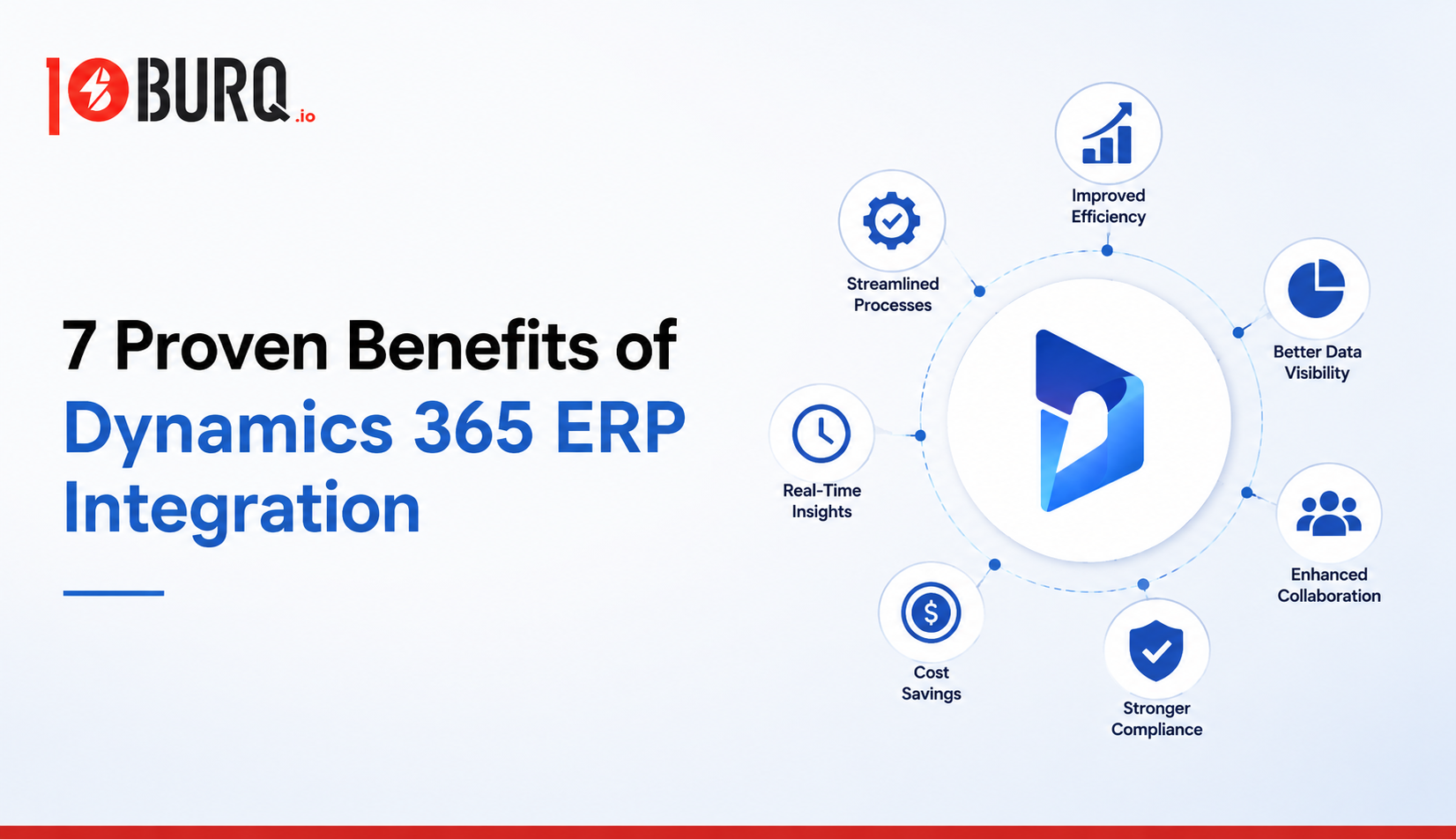
The main advantages of ERP integration are a single source of truth, real-time visibility, less manual data entry and fewer errors, faster order-to-cash, tighter financial control, easier scalability, and a measurable return on investment. Each one comes from systems sharing data instead of working in isolation.
Does Dynamics 365 Business Central integrate with eCommerce platforms?
Yes. Business Central connects with platforms like Shopify, Amazon, and Magento through native and certified connectors, syncing orders, inventory, and customer data both ways. On-premises deployments and complex B2B operations often need a custom or middleware approach, which is worth scoping with an experienced partner.
What is the ROI of a Dynamics 365 ERP investment?
A March 2026 Forrester Total Economic Impact study commissioned by Microsoft projected a 209% ROI over three years for a composite Business Central organization, with payback in under six months. Returns vary by company size and scope, but most of the value traces back to connected workflows and reduced manual finance work.
How long does a Dynamics 365 integration take?
It depends on scope. A single connector for order-to-cash can go live in a few weeks, while a full multi-system integration across Finance and Operations is usually phased over several months. Starting with your highest-pain connection is the fastest route to value.