Key Takeaways
- ERP integration connects your business systems: At its simplest, ERP integration links your ERP to the other tools your business runs on (CRM, ecommerce, warehouse, payroll) so data moves automatically instead of your team rekeying it manually.
- Dynamics 365 supports multiple integration methods: APIs, middleware platforms, and native Microsoft connectors all serve different use cases and complexity levels.
- Bad integration is expensive: Disconnected systems create data errors, manual reconciliation work, and blind spots in reporting that cost operations teams real money.
- You don’t need to replace all your tools: Integration lets Dynamics 365 work alongside your existing stack rather than forcing a full rip-and-replace.
- The right integration approach depends on your systems: A Dynamics 365 integration consultant maps your systems first, then recommends the method, not the other way around.
Introduction
Have you ever had two teams arguing about the same number (one pulling from the ERP, one from a spreadsheet, both convinced they’re right)? That is exactly what happens when your business systems do not talk to each other.
It happens in operations teams running Dynamics 365 alongside a separate ecommerce platform, a standalone CRM, and a warehouse management system that the company installed six years ago—and nobody really wants to touch.Each system has its own version of customer data, inventory counts, and order statuses. Nobody trusts any of them fully. Reconciliation becomes a weekly ritual. This causes a delay in decisions. And somewhere downstream, a customer is waiting on an order status that three people in your company cannot agree on.
This is the problem that ERP integration solves. And for companies running Microsoft Dynamics 365, getting integration right is one of the highest-leverage things an operations team can do.
This guide explains what ERP integration is, how it works in the Dynamics 365 context, what the common integration types look like, and what to watch out for before you start.
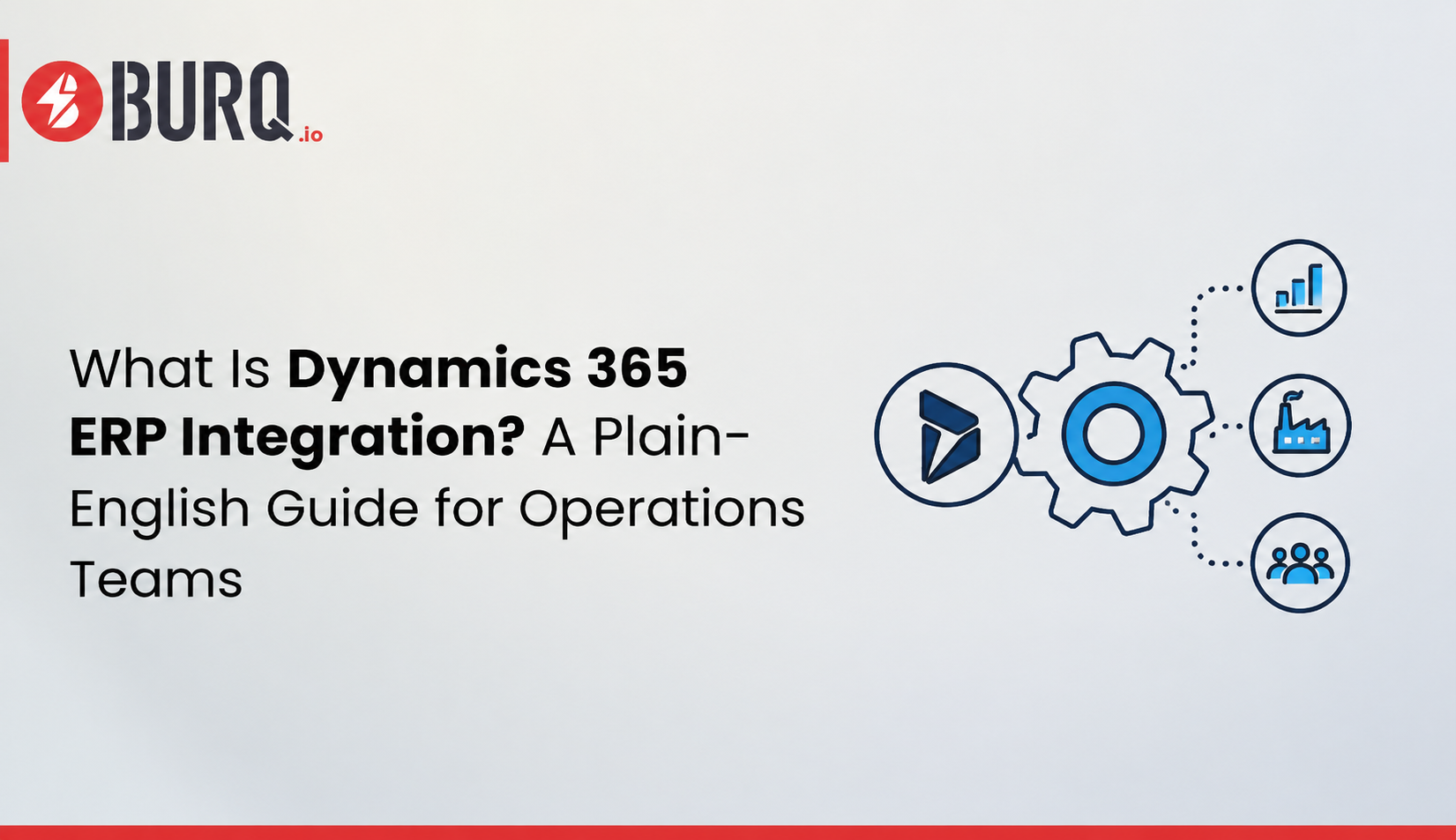
What Is ERP Integration? A Plain-English Definition
ERP integration is the process of connecting your ERP system to other business applications so that data flows between them automatically, without manual exports, re-entry, or copy-paste.
The ERP integration definition that matters for operations teams is this: instead of your sales team entering an order in one system and someone in the warehouse manually retyping it into another, the two systems share that data in real time. The order placed in your ecommerce platform appears in Dynamics 365 automatically. Inventory levels update across both systems simultaneously. Financial records reflect the transaction without anyone in accounting touching a keyboard.
That is the ERP integration meaning in practice: not a technical architecture concept, but a business outcome. Less manual work. One version of the truth. Faster decisions.
Why Operations Teams Care About This
If you manage operations (procurement, fulfillment, inventory, or production) you feel the cost of disconnected systems every single day. It shows up in a few consistent ways.
Data entry that happens twice (or three times). When systems do not integrate, your team keys the same data into multiple places. That takes time and introduces errors. A single transposed digit in a purchase order number can trigger a reconciliation problem that takes days to unwind. According to Parseur’s 2024 survey on manual data processing, manual data entry contributes to errors and operational delays for more than half of the businesses surveyed, and over 56% of employees report burnout from repetitive data tasks alone.
Reporting that nobody trusts. When your ERP says you have 400 units in stock and your warehouse system says 380, which number do you use for a customer commitment? Operations managers in disconnected environments spend enormous time figuring out which system to believe, time that should go toward running the business.
Delays that compound. Without integration, processes that should happen in minutes take hours or days because a human being has to carry data from one system to another. A sales order sits in a queue until someone manually passes it to fulfillment. A supplier invoice waits until someone matches it to a PO in the ERP. A 2025 IBM Institute for Business Value report found that 43% of chief operations officers identify data quality problems as their most pressing data priority, and over a quarter of organizations estimate they lose more than $5 million annually as a result.
How Dynamics 365 ERP Integration Works
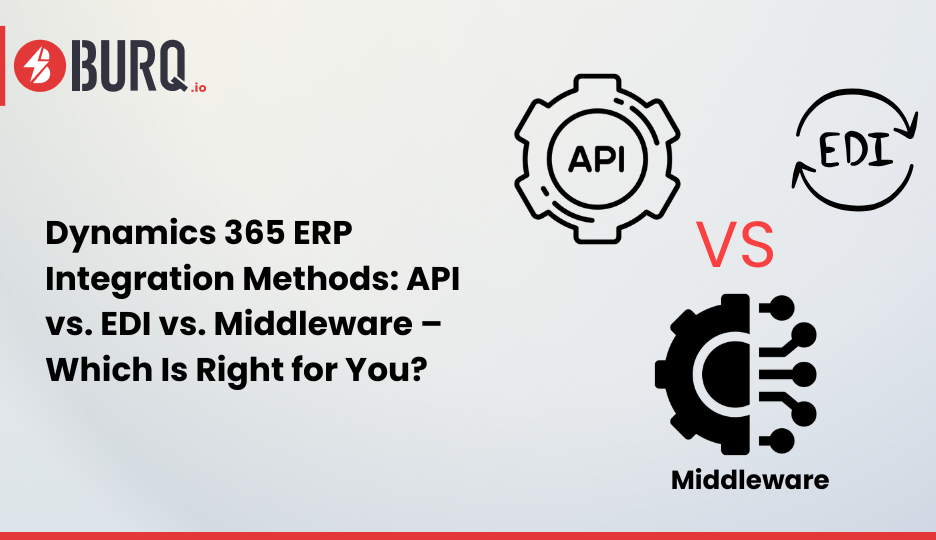
Dynamics 365 is built on Microsoft’s cloud infrastructure, which gives it strong native integration capabilities. There are several different methods, and choosing the right one depends on what you are connecting and how complex that connection needs to be.
API-Based Integration
An API (Application Programming Interface) is a set of rules that lets two software applications talk directly to each other. Dynamics 365 exposes a robust set of APIs through Microsoft’s Power Platform and Azure infrastructure. When you integrate a third-party CRM or ecommerce platform with Dynamics 365 via API, the two systems exchange data directly in real time.
API integration is fast and reliable when both systems are modern and well-documented. It works well for connecting Dynamics 365 to platforms like Shopify, Salesforce, or Magento that have strong API frameworks. For ecommerce and retail operations specifically, the Burq iPaaS ecommerce integration page covers how these connections are typically structured and what to watch out for during setup.
Middleware / iPaaS Integration
For companies connecting multiple systems (not just two), a middleware platform (also called an iPaaS, or Integration Platform as a Service) sits in the middle and orchestrates data flows between all of them. Instead of building separate point-to-point connections between every pair of systems, you build each system’s connection to the middleware once, and the middleware handles routing.
This approach is far more scalable for complex environments. If you are running Dynamics 365 alongside a 3PL, a CRM, an ecommerce platform, and a payroll system, point-to-point integration quickly becomes unmanageable. Middleware keeps it organized. Folio3’s Burq iPaaS platform was built specifically for this scenario, connecting Dynamics 365 with the rest of a business’s application stack through pre-built connectors and automated workflows.
Native Microsoft Connectors
Because Dynamics 365 is part of the Microsoft ecosystem, it connects natively to other Microsoft products without custom development. Dynamics 365 Business Central, Finance, and Supply Chain Management all have built-in connectors to Microsoft Teams for collaboration and approval workflows, Microsoft 365 and Outlook for email and calendar, Power BI for reporting dashboards, Power Automate for event-triggered workflows, and SharePoint for document storage and routing.
For businesses already running on the Microsoft stack, these native connections deliver real value with minimal setup. They are also maintained by Microsoft, which means fewer compatibility problems as Dynamics 365 updates over time.
EDI Integration
Electronic Data Interchange (EDI) is a standards-based format for exchanging business documents (purchase orders, invoices, advance shipping notices) with trading partners like large retailers or distributors. Many enterprise buyers require EDI compliance from their suppliers.
Dynamics 365 supports EDI integration through native connectors or through third-party EDI middleware. If your business sells through large retail chains or wholesalers, EDI-to-ERP integration is often a hard requirement. The Burq iPaaS ERP integration overview covers how EDI fits into broader supply chain integration patterns for distribution and fulfillment environments.
The Most Common Integration Scenarios for Dynamics 365
Different teams run into different integration needs. Here are the scenarios that come up most often across operations environments.
CRM + ERP Integration
Sales teams live in the CRM. Operations teams live in the ERP. When these two systems do not sync, customers get quoted prices that are already outdated, sales orders do not flow into fulfillment on time, and account managers have no visibility into order or invoice status. CRM-ERP integration (including Dynamics 365 with Salesforce, HubSpot, or Dynamics 365 Sales) closes this gap by keeping customer records, quotes, orders, and invoices consistent across both systems.
Ecommerce + ERP Integration
When an order is placed on your ecommerce storefront, that order needs to appear in Dynamics 365 immediately, along with the customer record, the payment confirmation, and the inventory deduction. Ecommerce ERP integration eliminates the manual processing step and lets your fulfillment team act on orders faster. It also keeps your published inventory counts accurate so customers cannot order items you cannot actually ship.
Warehouse Management System (WMS) + ERP Integration
Your WMS tracks physical inventory movement (receiving, put-away, picking, packing, and shipping). Your ERP tracks the financial and operational record of that inventory. When these two systems are not integrated, discrepancies between physical stock and system stock accumulate quickly. WMS-ERP integration ensures that every physical movement in the warehouse is reflected in Dynamics 365 in real time.
AP Automation + ERP Integration
Accounts payable teams handle high volumes of vendor invoices. AP automation platforms capture, classify, and route invoices for approval. When these platforms integrate with Dynamics 365, approved invoices post directly to the ERP without manual entry, cutting processing time, reducing errors, and giving finance teams a clean audit trail.
What Can Go Wrong With ERP Integration
Getting the wiring right matters. Here are the failure points that operations teams run into most often.
Data mapping errors. Every system stores data differently. A “customer” in your CRM might be a combination of “account” and “contact” records in Dynamics 365. If the fields are not mapped correctly during integration setup, data arrives in the wrong place, gets duplicated, or does not arrive at all. Data mapping needs to be done carefully, tested thoroughly, and documented so it can be maintained over time.
No error handling. Integration workflows break. APIs go down. Systems have maintenance windows. If your integration has no error-handling logic, a failed sync can go undetected for hours, during which time orders are not being processed, invoices are not being posted, and inventory counts are drifting. Good integration design includes alerting, logging, and retry logic so failures are caught immediately.
Treating integration as a one-time project. Business systems change. You add a new sales channel, switch 3PLs, and upgrade Dynamics 365 to a new release. Every one of these changes can affect your integration. Teams that treat integration as a one-time setup, rather than an ongoing managed process, end up with broken connections they do not discover until something goes wrong downstream. The Burq iPaaS platform covers how ongoing integration support fits into a full deployment.
Dynamics 365 ERP Integration: How to Start
If you are evaluating integration for your Dynamics 365 environment, here is the sequence that works.
Map your systems first. Before choosing an integration method or tool, document every system your business runs, what data each one owns, and where data needs to flow between them. This map becomes your integration design.
Identify your highest-pain data flows. Not every connection needs to be built at once. Start with the integration points that cause the most manual work or the most data errors today. Prioritize by business impact, not by technical convenience.
Choose the right method for each connection. Native connectors for Microsoft products. API integration for modern platforms with good documentation. Middleware for multi-system environments. EDI for trading partner requirements. The method follows the use case.
Test with real data before go-live. Integration testing with synthetic data misses the edge cases that only appear in real transaction volumes. Test with representative production data in a staging environment before cutting over.
Plan for maintenance. Budget for integration support as an ongoing line item, not a one-time project. Assign clear ownership for monitoring and for handling issues when they arise.
Getting this sequence right takes time, but it avoids the more expensive problem of rebuilding a broken integration after go-live. Teams that work with an experienced Dynamics 365 integration partner tend to move faster through the design phase because they are drawing on integration patterns already tested across similar environments.
Frequently Asked Questions
What is the difference between ERP integration and ERP implementation? ERP implementation is the process of deploying Dynamics 365 in your business, configuring it, migrating data, training users, and going live. ERP integration is a component of that process (or a follow-on project) that connects Dynamics 365 to your other business systems. Implementation stands up the ERP. Integration connects it to everything else.
Does Dynamics 365 have built-in integration tools? Yes. Dynamics 365 includes Power Automate for workflow automation, Dataverse for data sharing across Microsoft applications, and a set of native connectors for the Microsoft 365 ecosystem. For third-party systems, additional middleware or custom API development is typically required.
How long does Dynamics 365 ERP integration take? It depends on the number of systems, the complexity of data mapping, and whether you are using native connectors, middleware, or custom API development. A simple two-system integration with a modern API can be completed in weeks. A multi-system middleware deployment across a complex operations environment typically takes two to four months.
What is the most common Dynamics 365 integration mistake? Skipping the data mapping phase. Teams that jump straight to technical setup without a clear map of which data fields need to sync, and in which direction, end up rebuilding the integration after go-live when the errors surface.