Why APIs Matter in Everyday Applications
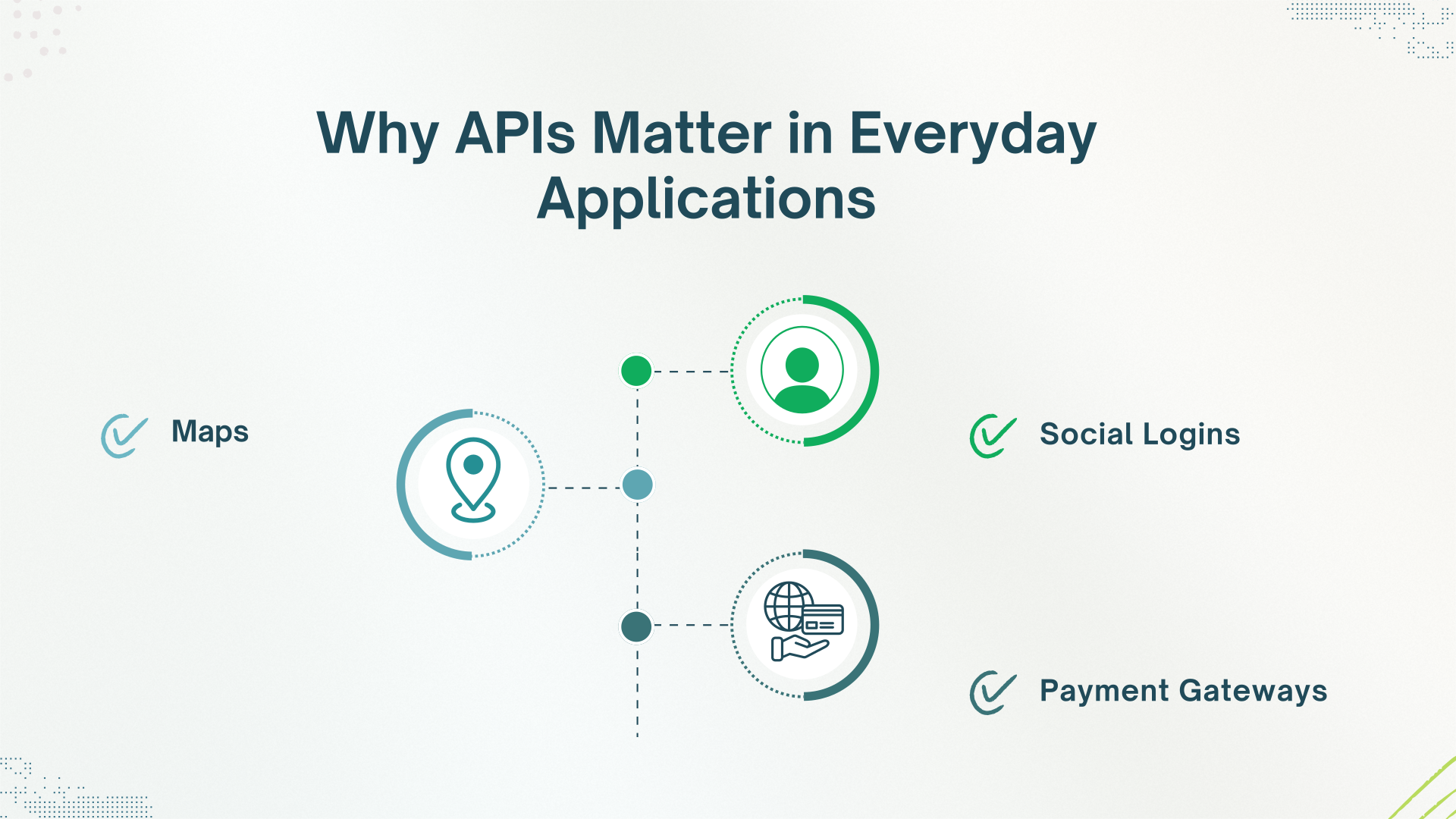 We usually may overlook them, but APIs are everywhere in everyday life.
Let us look at a few examples:
- Social Logins: When you log into your Facebook, Instagram, or sign in with Google.
- Maps: When you see Google Maps embedded in an app or on a website.
- Payment Gateways: When you check out with the help of PayPal or Stripe.
There are numerous API use cases, and owing to them, apps can work together without requiring to be built again from scratch.
That is why APIs are important, and understanding them can help you see their importance for modern technology. They save time, create smooth experiences, and lead you to new opportunities.
How Does an API Work? (API Funamentals for Beginners)
So, exactly how do APIs work? Here is a simple explanation that APIs are all about communication!
You are the client, and send a request to an API’s endpoint, which is a web address. The server then sends back a response to your request. This is what we call API calls in action.
API calls explained: How API Calls Work involves the steps of initiating communication: a client (like Shopify) sends a request to a server (like an ERP system) through the API.
The API receives the request, processes it based on predefined rules or logic, and returns a response, whether it’s confirmation of an order, updated inventory data, or error handling.
The result of this process is what we refer to as API data transfer—the structured and secure movement of information (such as orders, inventory levels, or customer data) between systems.
You can think of it like ordering a coffee, where
- First, you tell the barista your order (request).
- Then they prepare your drink (process it internally).
- Lastly, they hand it to you (response).
If we talk about the backend, APIs use a set structure for sending and receiving messages, which is usually based on formats like JSON (JavaScript Object Notation) or XML. JSON is more lightweight and easier to read, which is also the reason why it is commonly used.
APIs also have “methods” or “routines” that describe the type of action you want to take. Common ones include the following:
- GET: Retrieve information.
- POST: Submit new data.
- PUT: Update existing data.
- DELETE: Remove data.
An API comes with a set of rules, which is called API documentation. This documentation tells developers what data the API will require and what it will return. By following these rules, it becomes possible for entirely different apps to communicate with each other.
Real-World Examples of API Integration
Now that you know the basics, let’s have a look at some real-world examples where API integration benefits us the most:
- Google Maps in Ride-Sharing Apps: Apps like Uber or Careem use Google Maps APIs to show real-time location tracking and routes.
- PayPal in eCommerce Checkouts: Instead of building their customized payment systems, online stores use PayPal’s API to process payments securely
- Instagram Feeds on Websites: Many businesses embed live Instagram feeds into their websites by using the Instagram API.
These real-world API examples show how APIs let businesses and developers build faster, intelligent, and highly connected apps and experiences for users.
Types of APIs: REST vs SOAP (Non-Technical Overview)
There are different APIs out there, however, the two most common types are REST and SOAP. Here is a quick and simple comparison of both:
- REST APIs are lighter, faster, and easier to work with. They are like ordering a simple coffee, straightforward and quick.
- SOAP APIs are heavier and more secure. They are like ordering a customized multi-layer wedding cake. It takes more work, but it comes out very detailed.
REST (Representational State Transfer) APIs use simple HTTP methods (like GET, POST, PUT, DELETE) and usually transmit data in JSON format.
REST APIs are designed to be “stateless”, which means each call contains all the information that is needed, and the server does not have to remember previous interactions.
On the other hand, SOAP (Simple Object Access Protocol) APIs use XML for messaging and follow a stricter and standardized messaging protocol.
SOAP comes with built-in error handling and security standards like WS-Security. This makes it suitable for industries like banking and healthcare, where reliability and security are the top concerns.
If we compare REST API vs SOAP API, then we can see that REST API is more suitable for general web and mobile apps because it is faster and easier to work with. But on the other hand, SOAP is the best fit for critical and complex environments where reliability is a must.
APIs for non-developers usually start with REST because of its simplicity and broad use.
Are APIs Secure? How APIs Handle Sensitive Data
Now you must be wondering, “Is it safe for apps to share data through APIs?”
The answer is yes, but with the right protections.
API security basics encompass multiple layers:
- API keys: Are like a password that proves who you are.
- OAuth: Lets you approve apps without sharing your password.
- HTTPS: a protocol that encrypts data while it transmits between apps.
- Rate limiting: Controls how many times an API can be called, and prevents abuse.
- Input validation: Will make sure that the incoming data is properly formatted and safe to process, thus preventing attacks like SQL injection (a code injection technique that can destroy your database. It is one of the most common web hacking techniques.)
One of the most important methods is OAuth 2.0, which lets users give apps access to their data without giving their passwords. This is why you can log into a new app using your Google account without worrying about your Google password getting stolen.
Another vital security layer is “authentication and authorization”.
- Authentication checks who you are (e.g., by logging in).
- Authorization checks what you are allowed to do (e.g., whether you can view certain files).
Thus, they work together to make sure that only authorized users access the systems and resources.
Modern APIs are also expected to abide by security best practices such as:
- Encrypting sensitive information.
- Keeping tokens private.
- Regularly updating and patching vulnerabilities.
- Using CORS (Cross-Origin Resource Sharing, which is a mechanism that enables web applications running in one domain to access resources from another domain) to control which apps can access them.
This is how APIs keep data secure during API data transfer. So if you are logging in, the API will check who you are, encrypt your information, and safely give the response.
Strong API security is a necessity in our digital economy, where millions of transactions happen in a fraction of a second.
Who Uses APIs? (APIs for Non-Developers Too)
It is a common false belief that APIs are only for developers. Here is why:
- Developers: They build apps using APIs.
- Marketers: Connect tools like HubSpot, Google Analytics, and social platforms.
- Product Managers: They map how systems must talk to each other.
- No-Code Users: Owing to tools like Zapier and Make, even non-coders use APIs by dragging and dropping integrations.
APIs for beginners are much easier than you can imagine. With the help of modern tools, you do not need to know how to code to set up workflows between apps. With the help of non-technical guides to APIs, it is a great time to learn how to use APIs without coding.
Conclusion
Although initially APIs can seem complicated, once you grasp the basics, you will become aware of their power. From being the backbone of your favorite app to helping businesses scale, APIs are everywhere.
When it comes to setting up API integrations, it is a smart choice to use an iPaaS, which makes everything easier.
Whether you are an e-commerce store manager or a professional, BURQ iPaaS makes connecting your apps a simple process. It offers secure, flexible, and reliable connections and frees you from the hassle.
So if you are exploring options and looking for an integration platform that has it all, and is easy, secure, and scalable, then BURQ is worth it!
FAQs
How do APIs simplify complex programming tasks?
APIs provide ready-made building blocks so developers do not have to code every function. They plug into existing services and fasten the development process.
Why are APIs important in everyday apps?
APIs enable apps to work together, share data, and create flawless experiences without requiring full rebuilds.
How do APIs keep data safe?
APIs use encryption (HTTPS), authentication (API keys, OAuth), and security protocols to safely transfer data between systems.
Can APIs break or stop working?
Yes. APIs can go offline if the server is down, if there is a bug, or if the API is updated without proper backward compatibility. Good API design minimizes downtime.