Automation and integration have joined hands to brighten the future of enterprises worldwide. According to Gartner, ERP implementation failure rates can exceed 75%! That is alarming for businesses striving for good integrations to enhance processes.
Workato has been a preferred solution for many businesses. But if you agree with many others, it’s not the only player in the market.
This is 2024, and multiple excellent integration platforms have emerged to offer similar or better capabilities, thus demystifying the common myth about Workato.
You are at the right place if you’re looking for the top Workato alternatives. This blog covers the best options for you. Let’s uncover the top Workato alternatives that can empower you to streamline workflows and boost efficiency.
11 Best Workato Alternatives and Competitors
Let’s explore the eleven best alternatives to Workato, including their unique features, pros and cons, and customer ratings, to help you find the best integration platform for your needs.
1. Burq iPaaS

Burq iPaaS is a powerful integration platform that automates and simplifies business processes. It was developed by Folio3, which specializes in integrating various platforms for easy data sharing and digitalizing businesses.
Burq iPaaS is a perfect match for automating complex workflows while providing scalability and user-friendliness.
Key Features
- Comprehensive API Management: It lets users manage and monitor APIs effectively.
- Real-Time Data Sync: Burq’s real-time data Sync guarantees the availability of updated information across platforms.
- Scalable Solutions: Scalable Solutions grows along with your business, handling increased data loads easily.
- Customizable Workflows: You can design customized workflows with a simple interface. No heavy coding is required; it uses a low-code, no-code approach.
- Security & Compliance: Strictly complies with industry standards like GDPR and HIPAA.
Pros:
- Easy-to-use interface for workflow customization.
- Real-time data synchronization.
- Strong customer support and flexible pricing options.
Cons:
- Advanced features require a steeper learning curve.
- May need training for first-time users.
Customer Ratings: G2: 4.5/5

2. Merge
Merge is a new integration platform specializing in Unified APIs for B2B companies. It allows developers to integrate once and easily connect with multiple applications.
Key Features
- Unified API: Access multiple platforms via a single integration.
- Developer-Friendly: Focuses on a clean and efficient developer experience.
- Extensive API Library: Access a broad set of APIs for smooth connectivity.
Pros:
- Simple integration due to a single, unified API.
- Broad support for developers.
- Quick implementation.
Cons:
- Technical skills may be required to manage API integrations.
- Focused primarily on B2B apps.
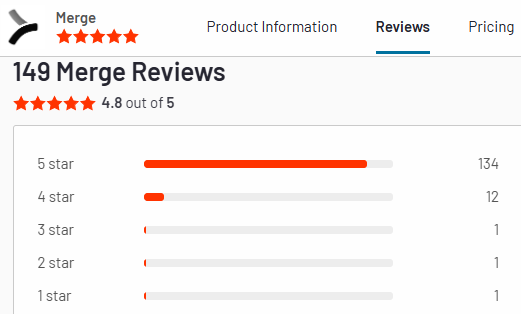
Customer Ratings: G2: 4.8/5
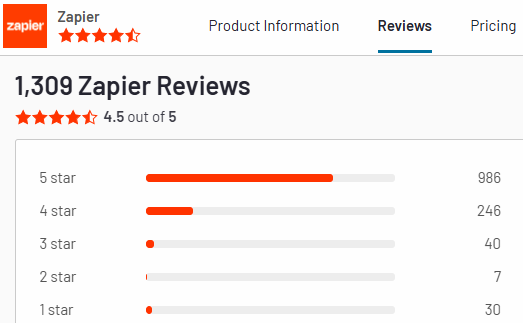
3. Zapier
Zapier is famous for its simplicity and a vast library of apps, making it suitable for businesses that want to automate repetitive tasks without much coding.
Key Features
- Easy Automation Setup: Create “Zaps” to automate simple tasks.
- Over 5,000 App Integrations: Supports a wide variety of apps.
- No-Code Interface: Designed for non-technical users with a drag-and-drop interface.
Pros:
- Best suited for simple automation needs.
- User-friendly interface.
- Budget-friendly for small businesses.
Cons:
- Limited advanced automation features.
- Not suited for complex workflows.
Customer Ratings: G2: 4.5/5
4. Zluri

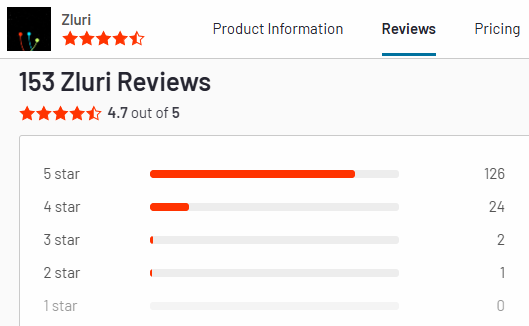
Zluri is a SaaS management platform known for automating IT workflows. It facilitates businesses’ management of SaaS applications easily and efficiently, making it a good alternative to Workato for companies with a heavy SaaS structure.
Key Features
- SaaS Discovery: Identifies and monitors all SaaS tools used within an organization.
- Cost Management: Helps control costs by managing SaaS subscriptions.
- Automated Workflows: Simplifies IT tasks with pre-configured automation.
Pros:
- Best fit for managing SaaS tools.
- Strong focus on cost management.
- User-friendly interface.
Cons:
- The primary focus is on SaaS applications.
- It is limited to IT and SaaS-related workflows.
Customer Ratings: G2: 4.7/5
5. Celigo
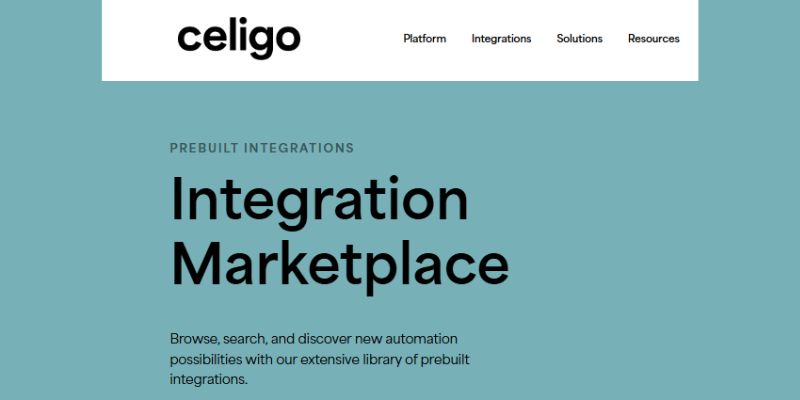
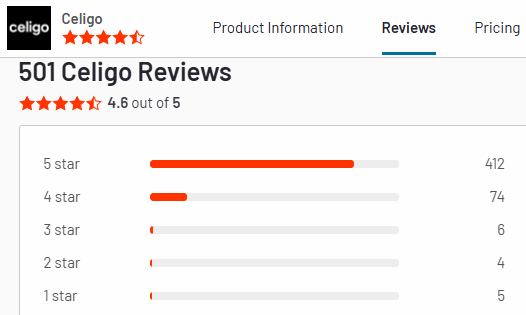
Celigo is an all-encompassing iPaaS platform with strong pre-built and custom integrations. It was developed to automate complex business processes.
Key Features
- Pre-Built Integrations: Offers a wide range of pre-configured connectors.
- Drag-and-Drop Workflow Builder: Simplifies workflow creation with minimal coding.
- Custom Integration Options: Supports scripting for tailored integrations.
Pros:
- Easy to use with a visual interface.
- Supports complex integrations.
- Strong customer service.
Cons:
- It’s pricey for small businesses.
- Coding knowledge needed for custom setups.
Customer Ratings: G2: 4.6/5
6. Tray.ai

Tray.ai is a flexible automation platform that is well-known among developers and business users. It provides a visual builder and deep integration features best suited for complex workflows.
Key Features
- Visual Workflow Builder: Facilitates complex automation with a drag-and-drop interface.
- Enterprise-Grade Security: Highly focused on data security and compliance.
- Flexible Integrations: Provides API capabilities that support custom solutions.
Pros:
- Highly flexible for custom integrations.
- Solid security features.
- Perfect for complex automation.
Cons:
- Requires a steeper learning curve for beginners.
- Technical knowledge is needed for advanced workflows.
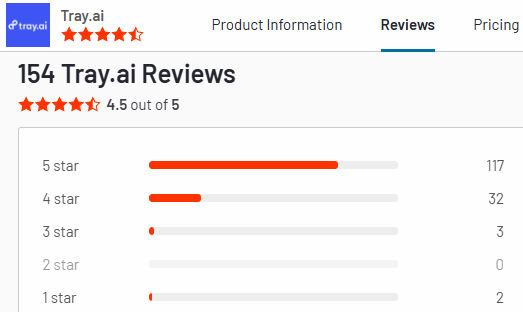
Customer Ratings: G2: 4.5/5
7. Mulesoft
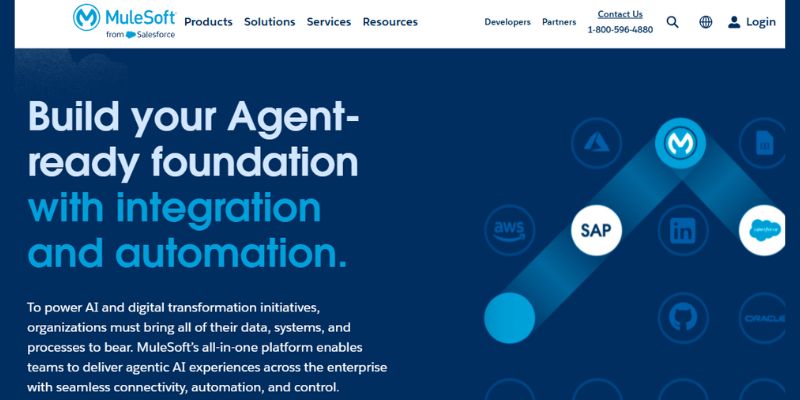
Mulesoft, a part of Salesforce, is an integration platform famous for its API management features. It’s a top choice for businesses that require complex, large-scale integrations.
Key Features
- API Management: Manages APIs, prioritizing security and efficiency.
- Anypoint Platform: Provides a combined solution for connecting apps, data, and devices.
- Robust Security: Offers modern security and compliance features.
Pros:
- Powerful for API management.
- High scalability for enterprises.
- Good documentation and community support.
Cons:
- Expensive
- It can be complex for smaller businesses.
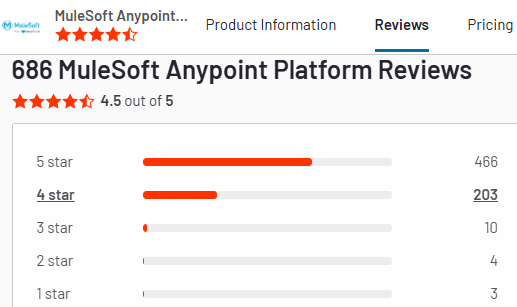
Customer Ratings: G2: 4.5/5
8. Make
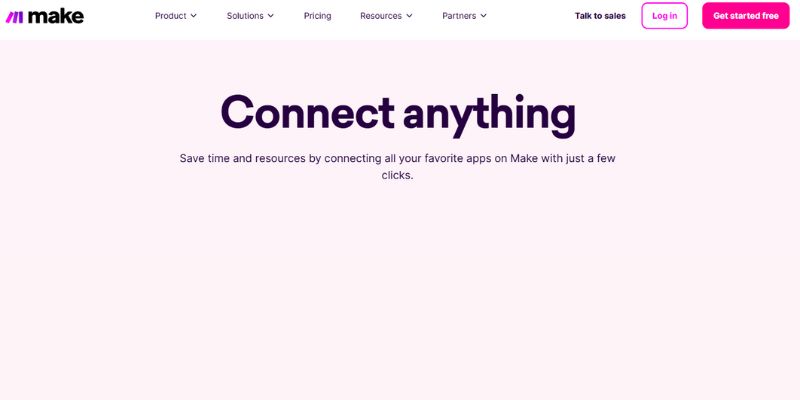
Make was initially known as Integromat. It is famous for its flexibility and visual automation capabilities. It’s a good choice for businesses that handle complex data sets.
Key Features
- Visual Editor: it comes with a drag-and-drop interface for automation.
- Advanced Data Manipulation: Highly capable of handling complex data transformations.
- Webhooks and APIs: Supports personalized API integrations.
Pros:
- Suitable for advanced data handling.
- Visual workflow makes complex processes much more accessible.
- It supports a variety of apps.
Cons
- It has a steep learning curve.
- Technical knowledge and skills may be required for custom setups.
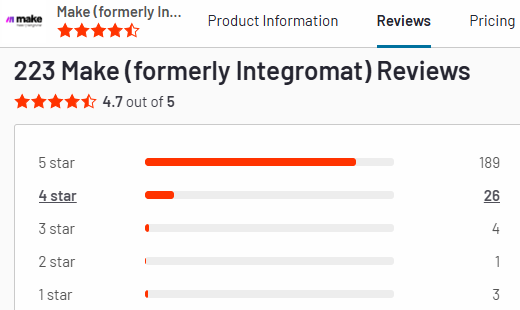
Customer Ratings: G2: 4.7/5
9. Boomi
Boomi, owned by Dell, is a cloud-native integration platform that fulfills all enterprise needs. It provides robust data management and automation tools for businesses.
Key Features
- Data Quality Management: Comes with tools for data cleansing and transformation.
- Pre-Built Connectors: There is a variety of ready-made connectors.
- Hybrid Integrations: Supports both cloud and on-premise integrations.
Pros:
- Excellent for data management.
- Hybrid deployment support.
- Strong community and support.
Cons:
- Expensive for small-scale businesses.
- The initial setup can be complex.
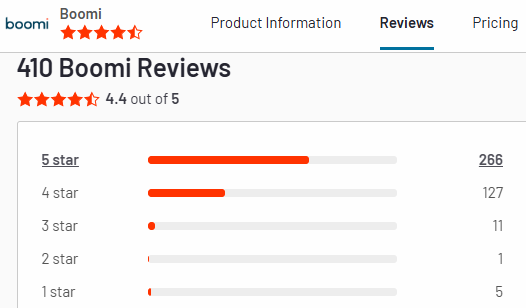
Customer Ratings: G2: 4.4/5
10. SnapLogic
SnapLogic is a data integration platform that is based on AI-driven automation. It’s a good choice for companies with extensive data integration needs.
Key Features
- AI-Driven Integrations: AI is used for predictive data integration.
- Data Streaming: Provides real-time data movement and streaming.
- Enterprise-Grade Scalability: Handles large-scale integrations easily.
Pros:
- Provides AI-driven insights for better automation.
- Strong data streaming.
- Scalable with enterprise needs.
Cons:
- It is costly.
- Complexity may be overwhelming for small businesses.
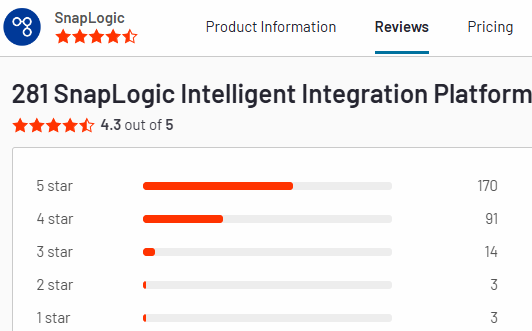
Customer Ratings: G2: 4.3/5
11. OmniConnect

OmniConnect is famous for its cloud-focused integration capabilities; it is a good solution for connecting multiple platforms.
Key Features
- Cloud Integrations: Focused on cloud-to-cloud connections.
- Secure Data Handling: Prioritizes data security during transfers.
- Scalable Solutions: Perfect for businesses advancing in the cloud environment.
Pros:
- Cloud-focused with powerful and rigid security features.
- Scales quickly as business needs grow.
- User-friendly interface.
Cons:
- Limited to cloud integrations.
- Lacks some advanced on-premise capabilities.
Customer Ratings: G2: 5.0.

Conclusion
So far, we’ve gone through a detailed list of top Workato alternatives in 2024, each with its unique features and capabilities. Burq iPaaS comes with a highly user-friendly interface and solid automation capabilities, and Mulesoft provides enterprise-grade API management. All these modern platforms provide different options for catering to different business needs.
If you are looking for an excellent solution that easily integrates platforms, automates workflows, and is highly scalable, Burq iPaaS is a superb alternative to Workato.
It’s designed for businesses of all scales who want to digitally boost and revamp their operations without increasing complexity. Burq iPaaS has everything for everybody, whether you are a small startup or a large enterprise. It provides the flexibility, security, and support to achieve a flawless digital transformation.
So, if you are ready to take your business to new heights of success, explore Burq iPaaS. Burq is not just about integration; it’s about making your business efficient, scalable, and profitable!